

What is a Glance Dashboard and Why You Need One?
Take Control of Your Feeds and Digital Garden - A Quick Guide to Building Your Powerful, Self-Hosted Glance Dashboard.

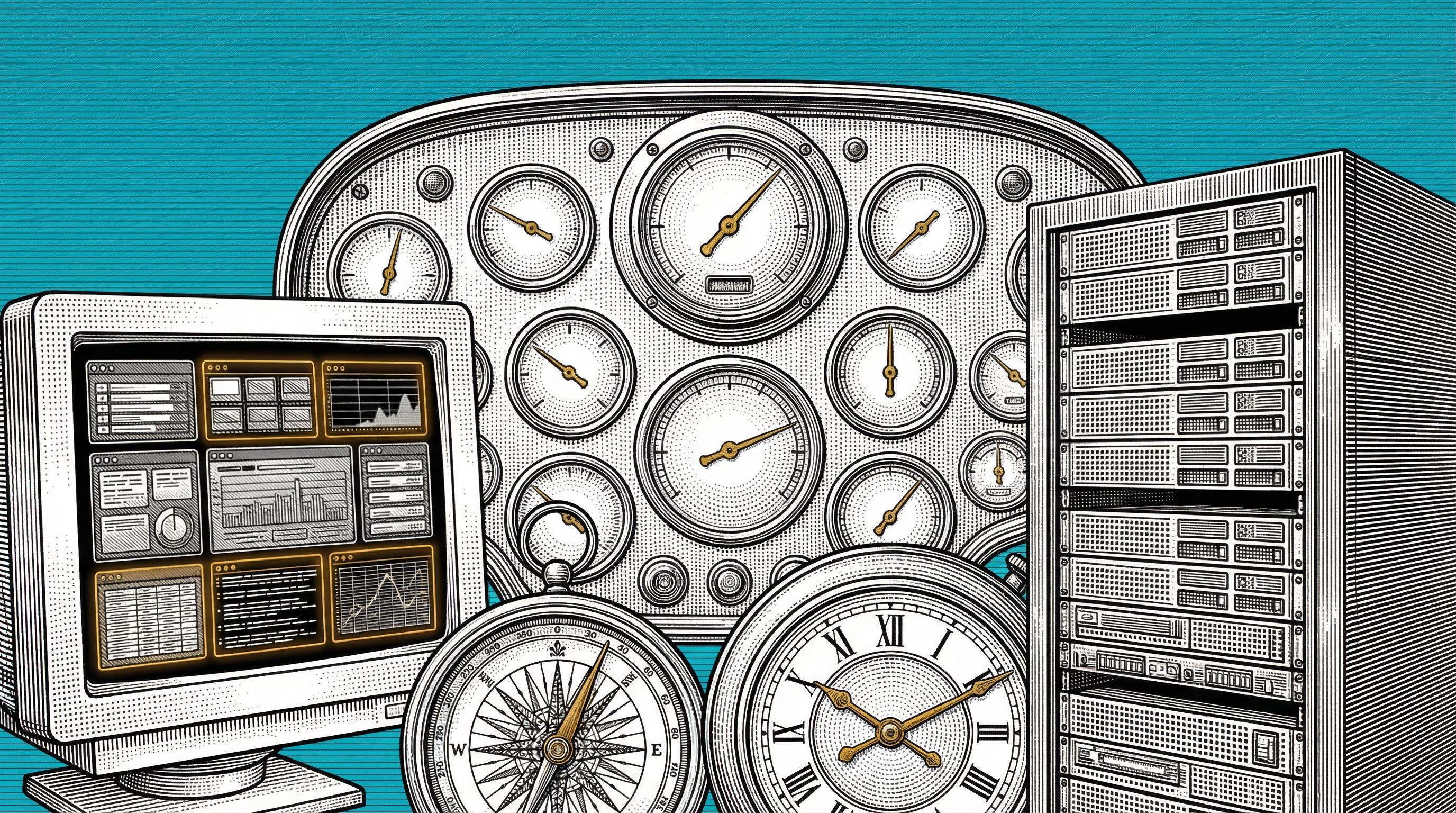
What if you could see everything at a... glance? ?
Ever feel overwhelmed by information scattered across countless tabs and apps? The idea of a unified dashboard isn't new. Projects like the visually appealing NewsNow (https://github.com/ourongxing/newsnow) showcase the power of bringing diverse feeds into one place (as seen below). However, a wider audience may find it challenging to set it up due to its primary focus on Chinese sources and documentation.
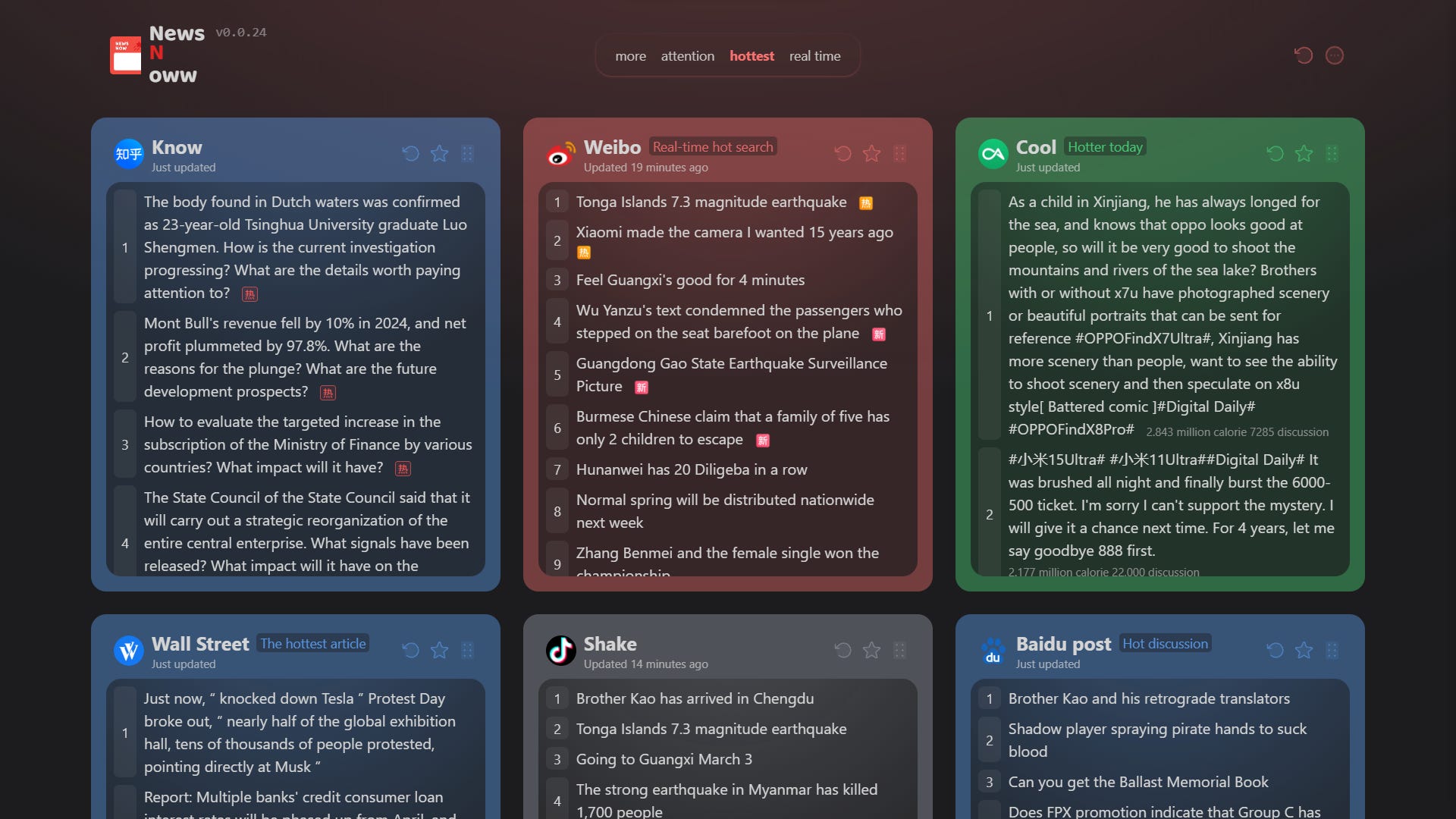
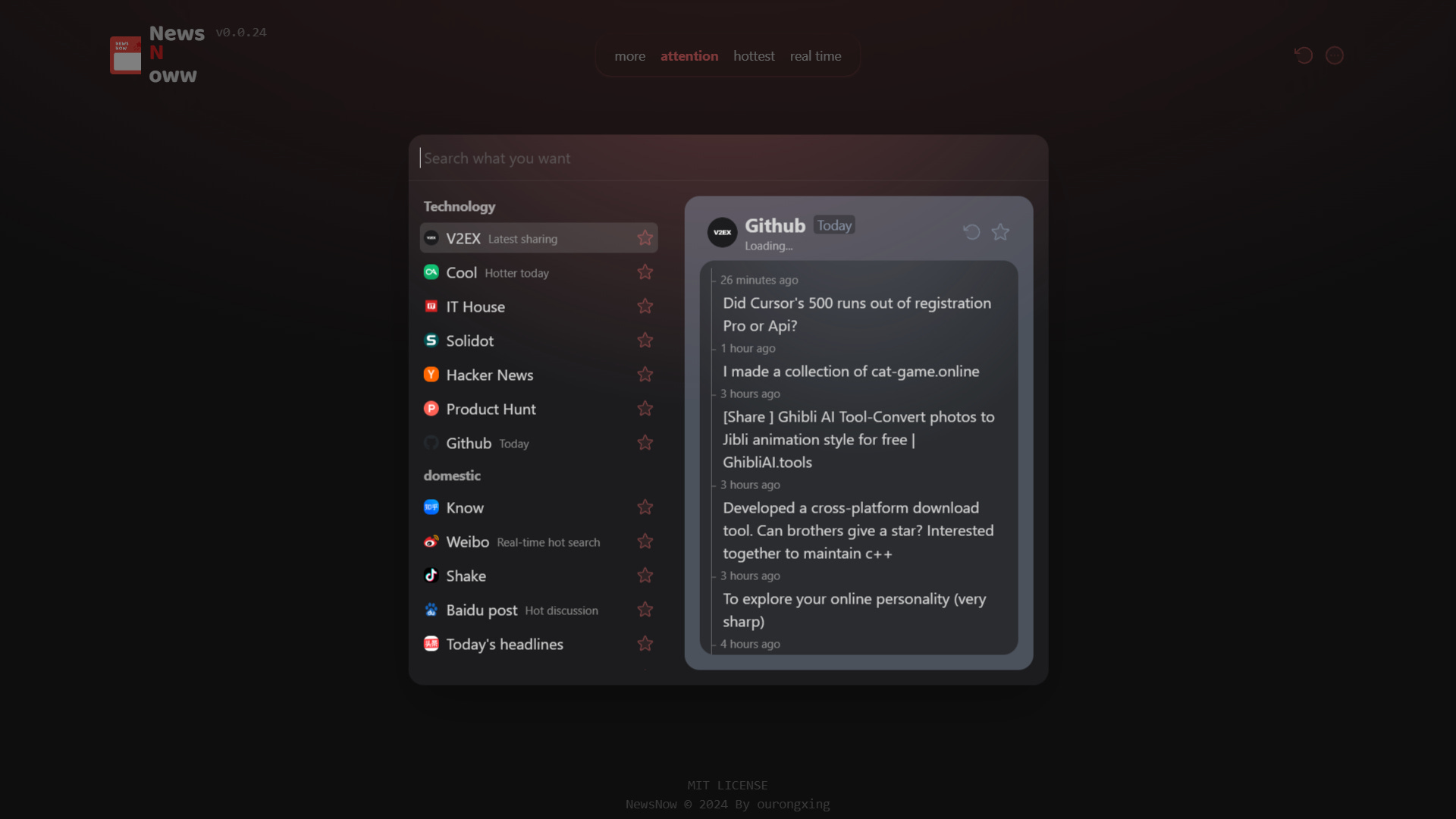
Why juggle multiple sites when you don't have to?
Aggregate Everything: Pull data from diverse sources—RSS feeds, subreddits, Hacker News, weather forecasts, YouTube channels, market prices, server stats, Docker containers, and more—into one unified view.

Customize Your World: Pick and choose exactly what you want to see. Tailor feeds, arrange widgets, and create multiple pages for different contexts (e.g., work, personal, tech news).
Always-On Information: Perfect for an old tablet, Raspberry Pi, or a dedicated monitor. Keep your crucial data visible without constant interaction.
For the Data Hoarder (and the Efficient!): Whether you love collecting information or just want to see updates quickly, Glance caters to both. It's fast, lightweight, and won't bog down your system.
How to Set One Up (It's Easier Than You Think!)
Getting Glance up and running is straightforward, especially with Docker. Here’s the recommended setup using Docker Compose:
🔧 Installation Guide
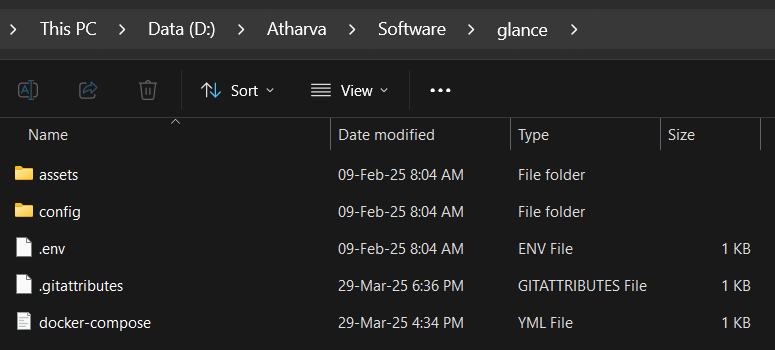
Create the project directory and download the template files:
mkdir glance && cd glance
curl -SL https://github.com/glanceapp/docker-compose-template/archive/refs/heads/main.tar.gz | tar -xz --strip-components=1
Configure the application:
Edit
docker-compose.ymlfor ports/volumes if needed.Customize your dashboard layout and widgets primarily in
config/glance.yml(orconfig/home.ymlif using the template's default). This YAML file is where you define pages, columns, and widgets. Dive into the detailed configuration documentation to explore all the possibilities.
Start the application:
docker compose up -dTroubleshooting:
View logs if something goes wrong:
docker compose logs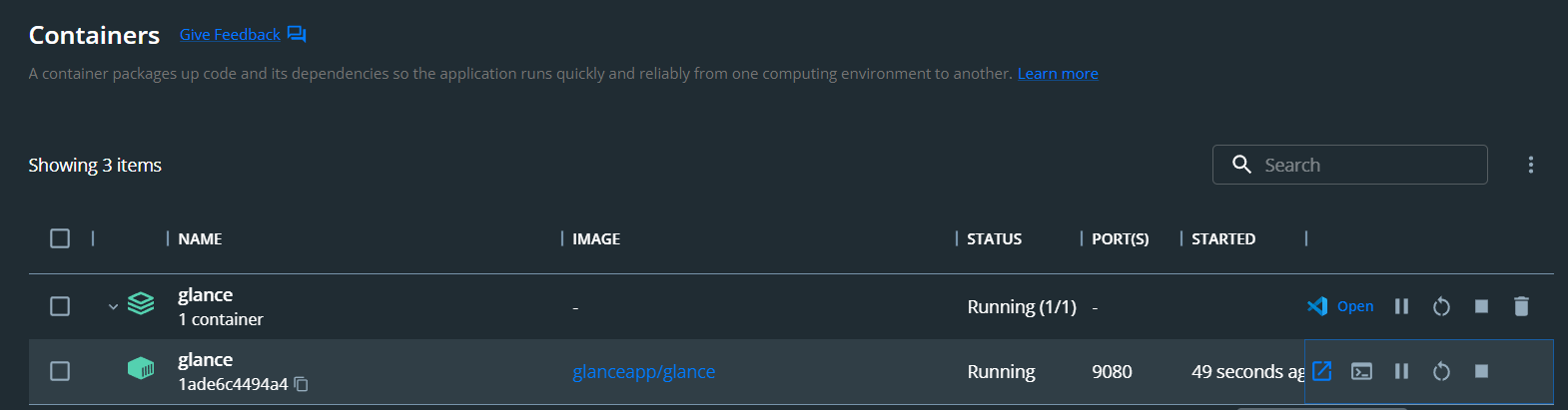
My Dashboard View Showcase
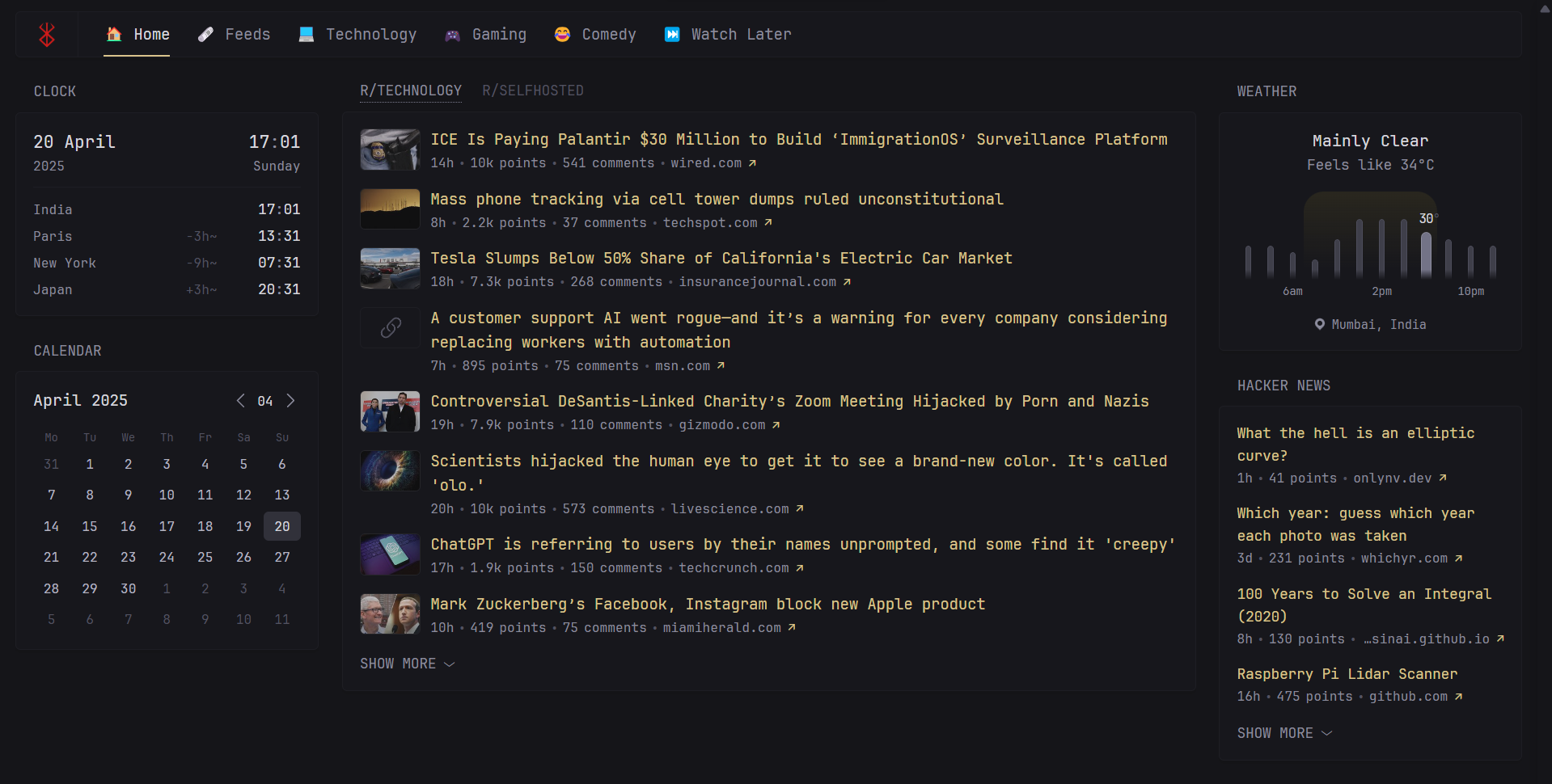
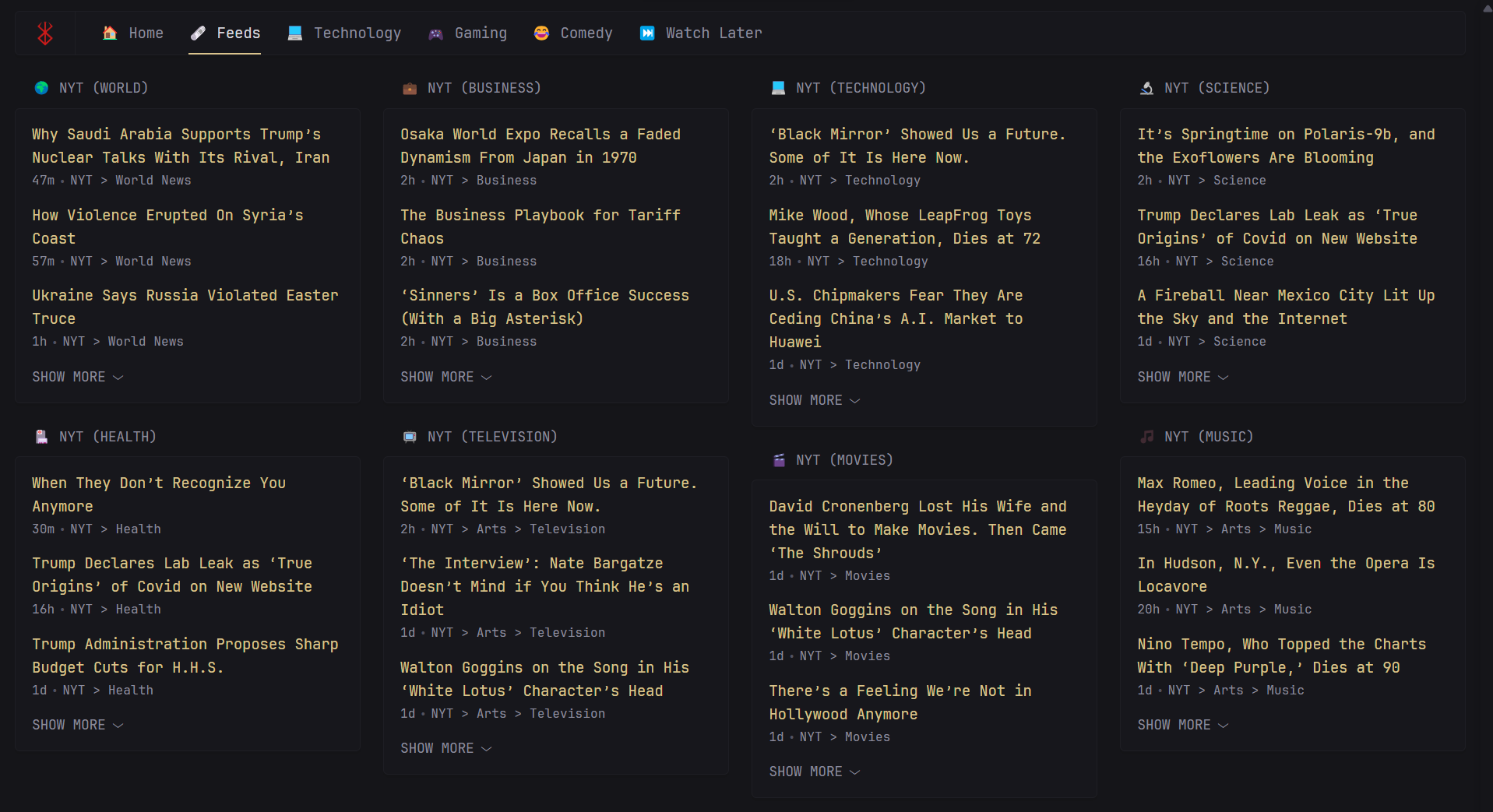
This setup gives me instant access to essential utilities like the clock, calendar, and weather, alongside my favorite subreddits (like r/Technology and r/Selfhosted) and the latest news from Hacker News (Y Combinator). I can also subscribe to countless RSS feeds and view them all consolidated in a single pane of glass, likely on another tab or column.

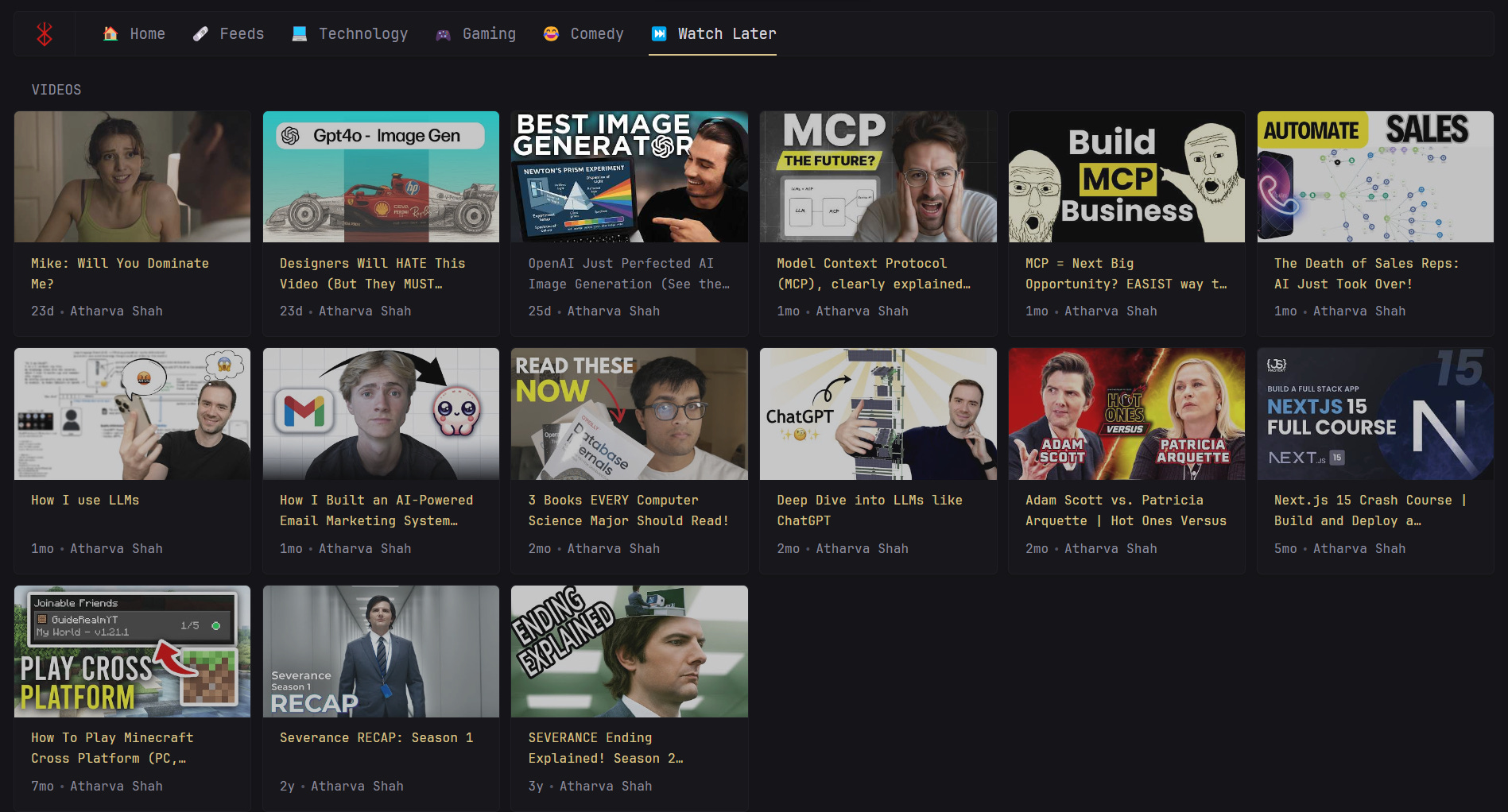
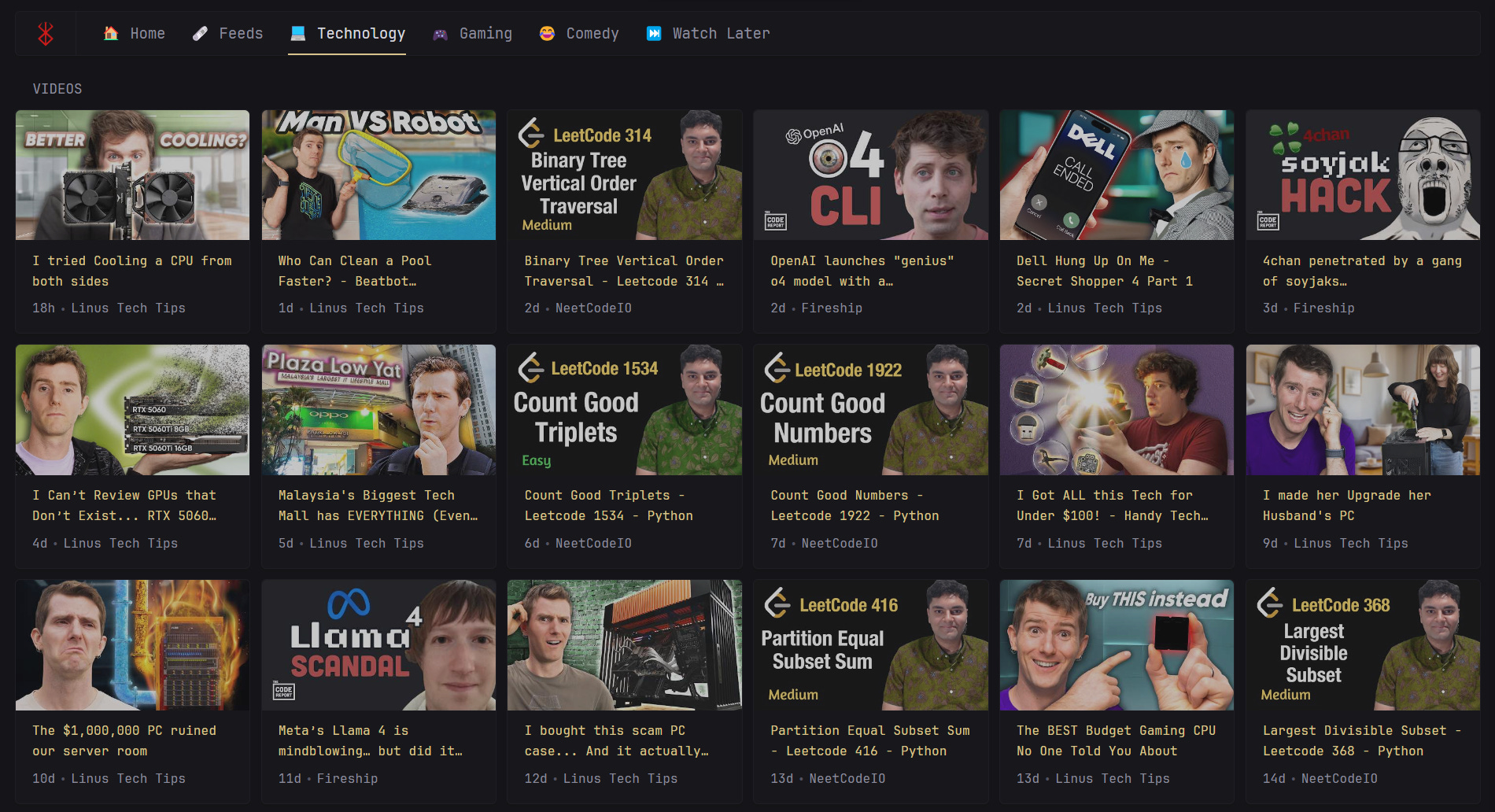
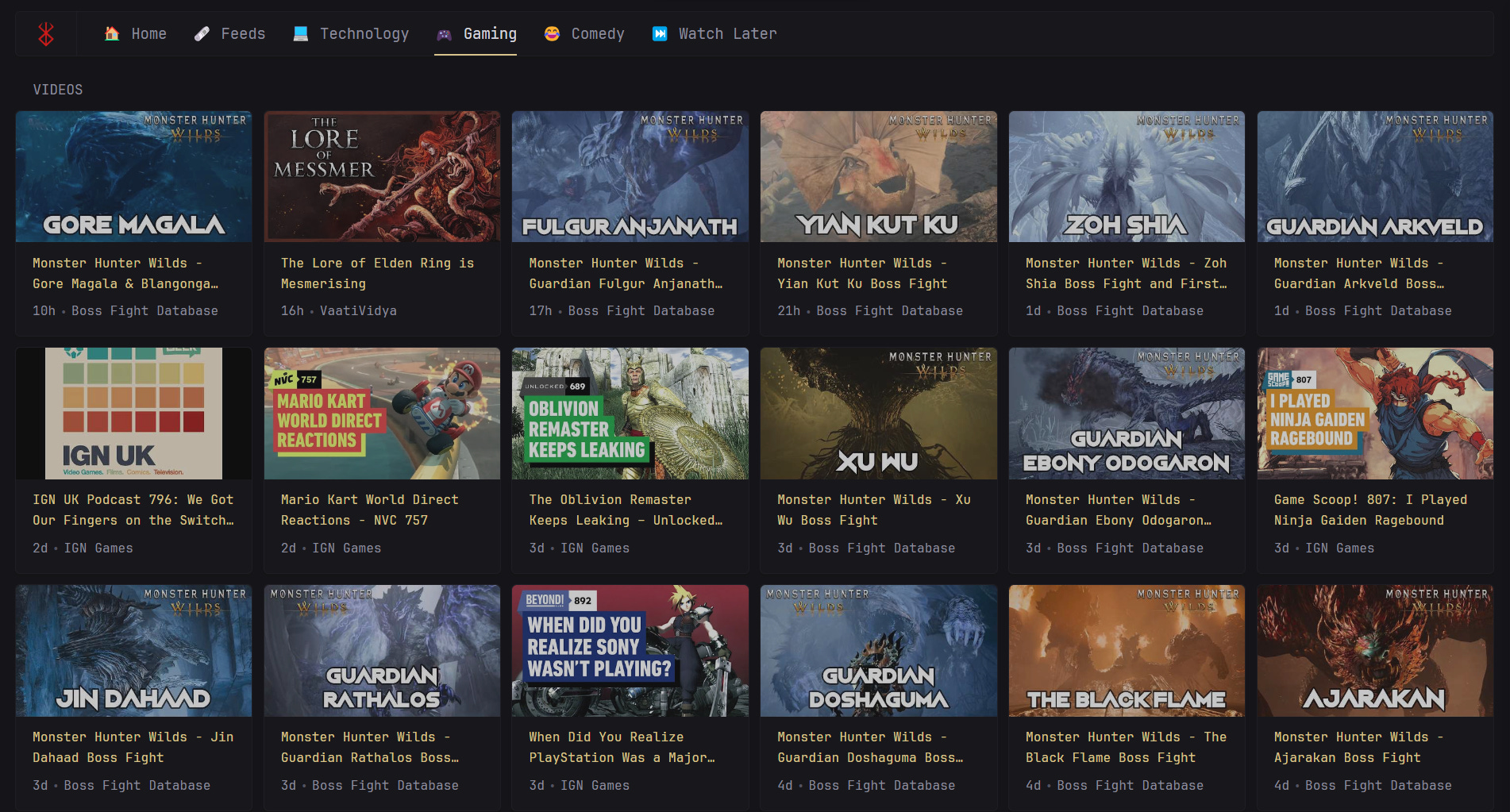
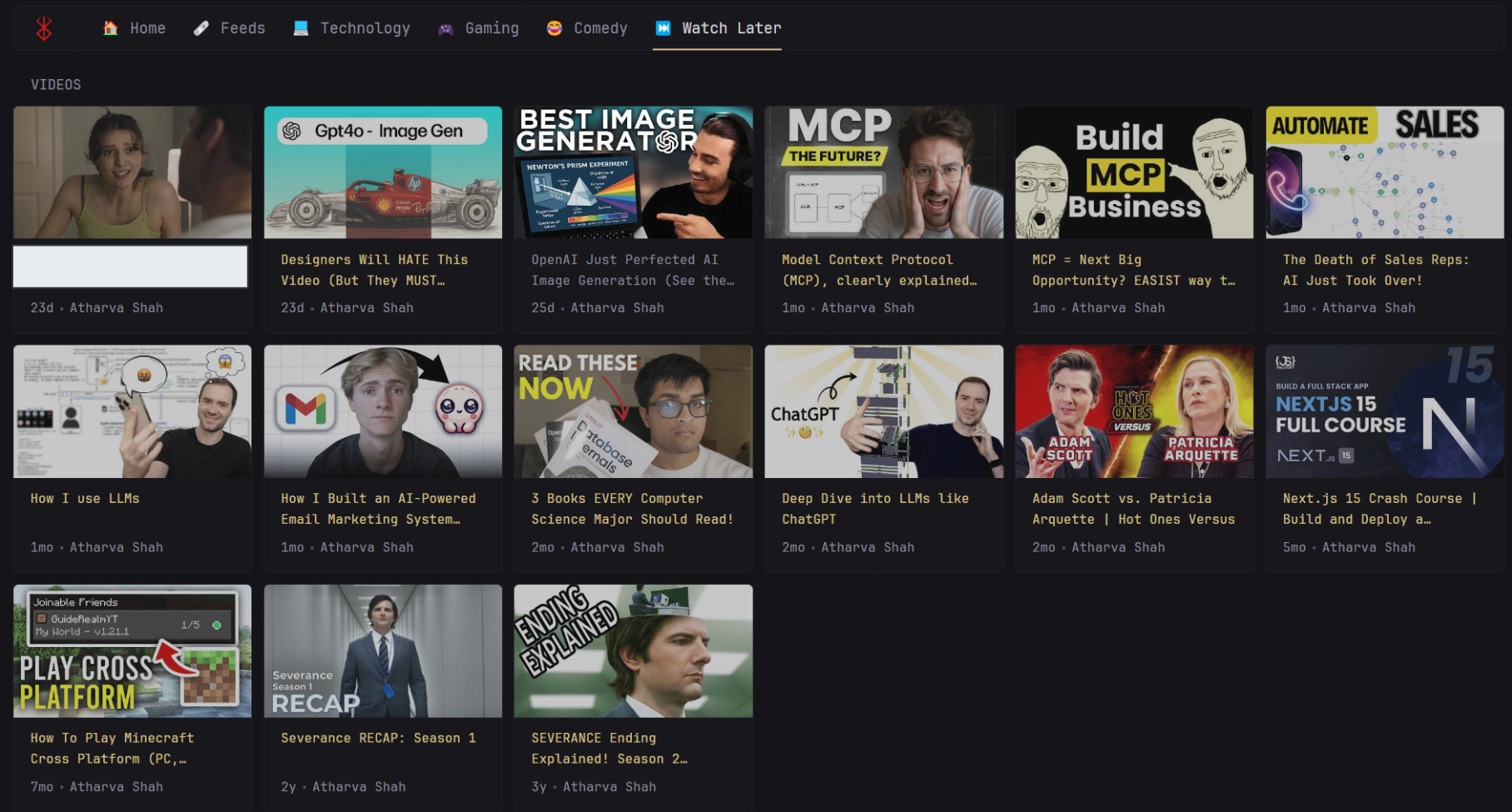
One of my favorite customizations addresses YouTube. Instead of the standard mixed feed, I've created dedicated tabs (Technology, Gaming, Comedy, Watch Later) to categorize channel uploads. This makes content consumption much more organized and enjoyable, all without needing to open multiple browser tabs or apps!
Here's a glimpse into how I've set up my personal Glance dashboard:
Configure, Commit, Conquer!
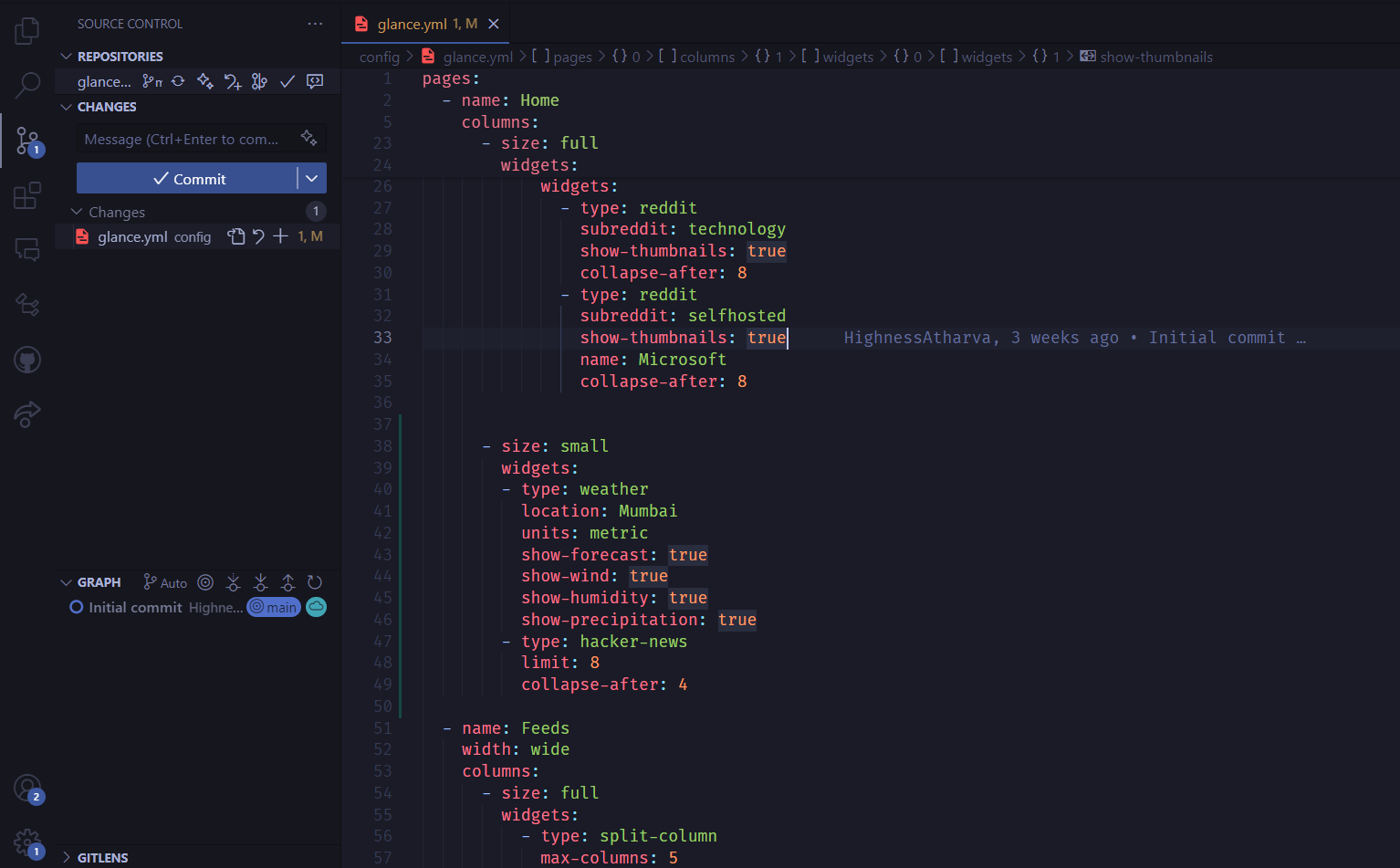
As you fine-tune your dashboard, you'll frequently edit the YAML configuration files (like glance.yml). The options are extensive—check the official configuration docs to learn about different widget types, layouts, and themes.
Highly Recommended: Commit your configuration files to a Git repository! This is crucial. It backs up your setup and makes deploying your personalized dashboard on any new device or server incredibly simple. Just clone your repo, and run. docker compose up You can see my setup and configuration evolution here.
Stop drowning in tabs. Build your Glance dashboard today and bring focus back to your digital life!
This solves a problem most people normalize. Centralizing attention feels overdue.
Here's the TL;DR version of this:
• Attention fragmentation is a modern tax.
• Centralized dashboards reduce context switching.
• Self-hosting restores control over feeds.
• Configuration is simpler than expected.
• Information access should be intentional.